A real TV guide
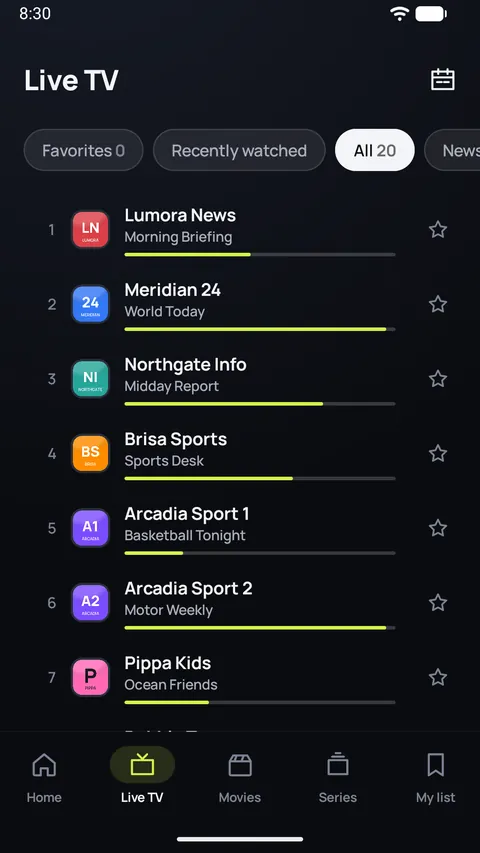
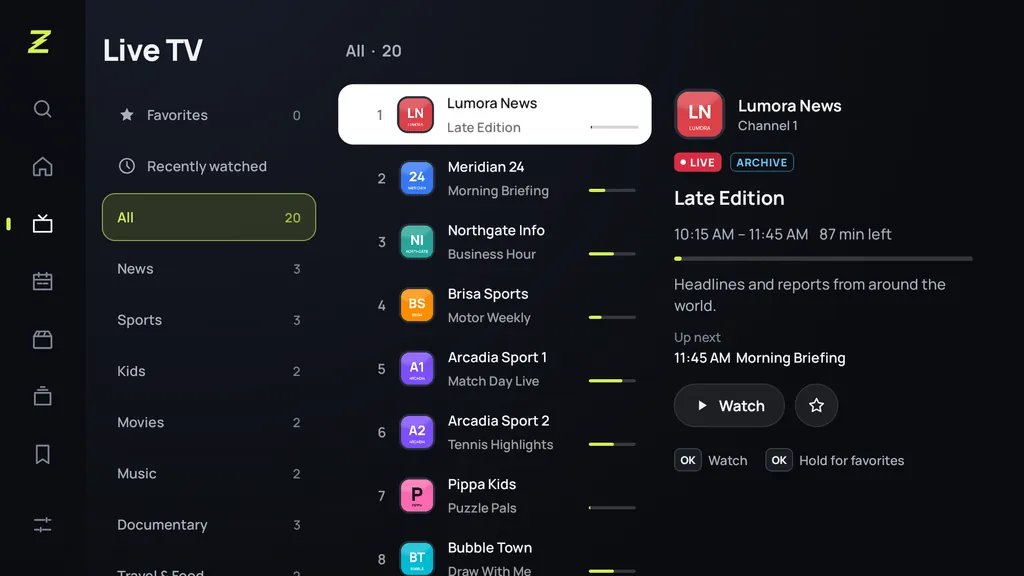
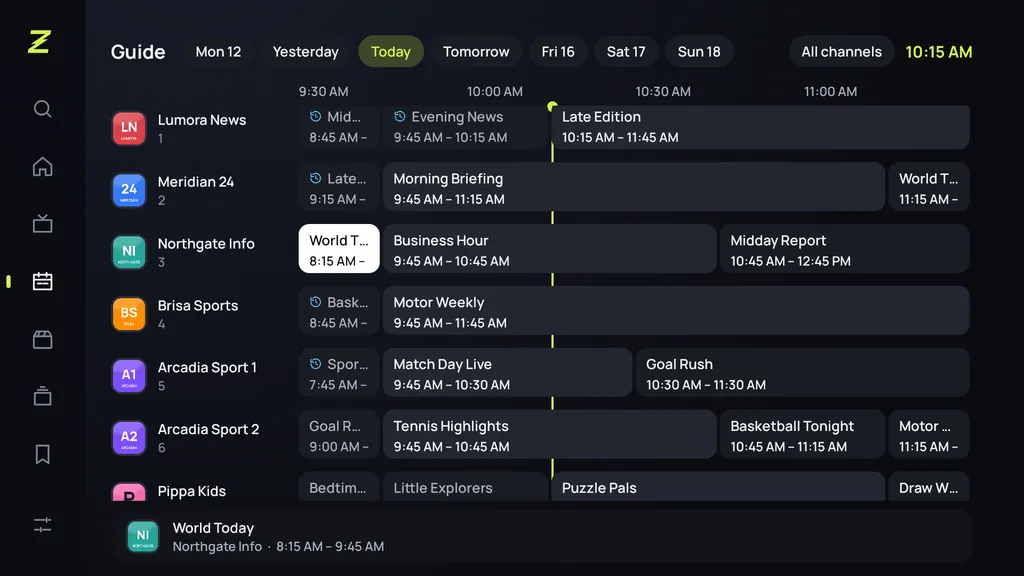
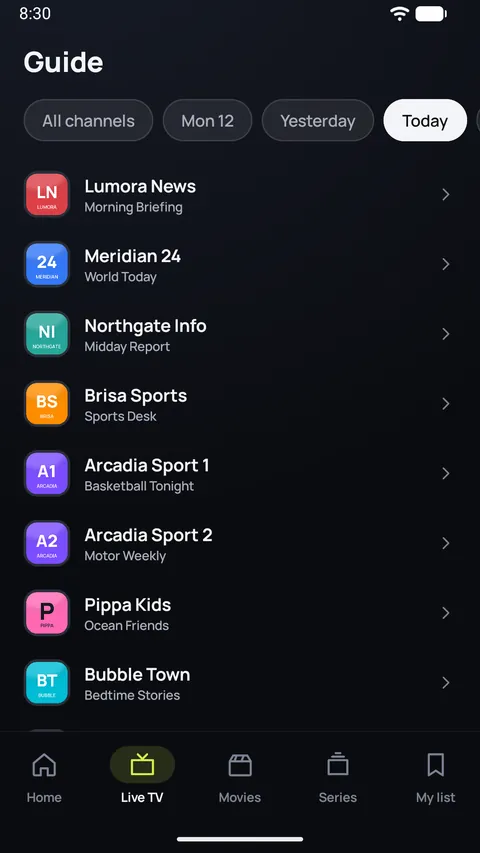
A full program grid on the TV, a quick list on the phone. Zapvo matches the guide to your channels, even when the names don't quite agree.
Now on Google Play
Add the M3U, Xtream Codes or Stalker playlist from your TV provider and watch live TV, movies and series with a real program guide. Fast on the TV remote, simple on the phone.
30 days free · No account · No ads
Why Zapvo
Zapvo turns a long list of links into a TV experience: channels with their programs, movies and series with posters, and a guide that simply works.
A full program grid on the TV, a quick list on the phone. Zapvo matches the guide to your channels, even when the names don't quite agree.
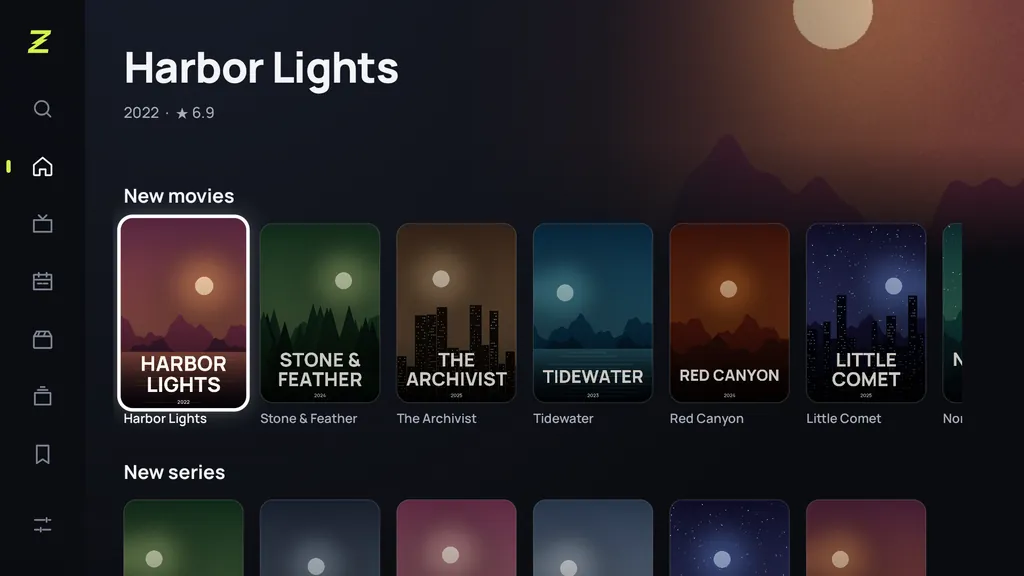
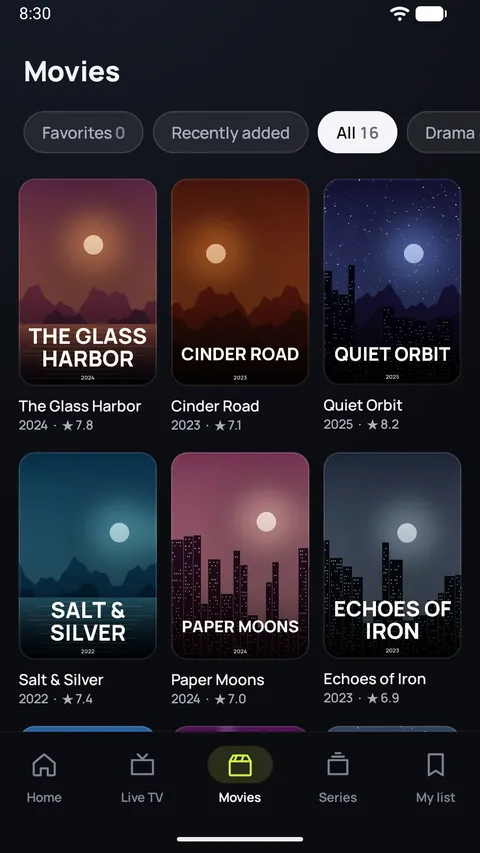
Posters, seasons and episodes, Continue watching and My list. Follow a series and hear about new episodes.
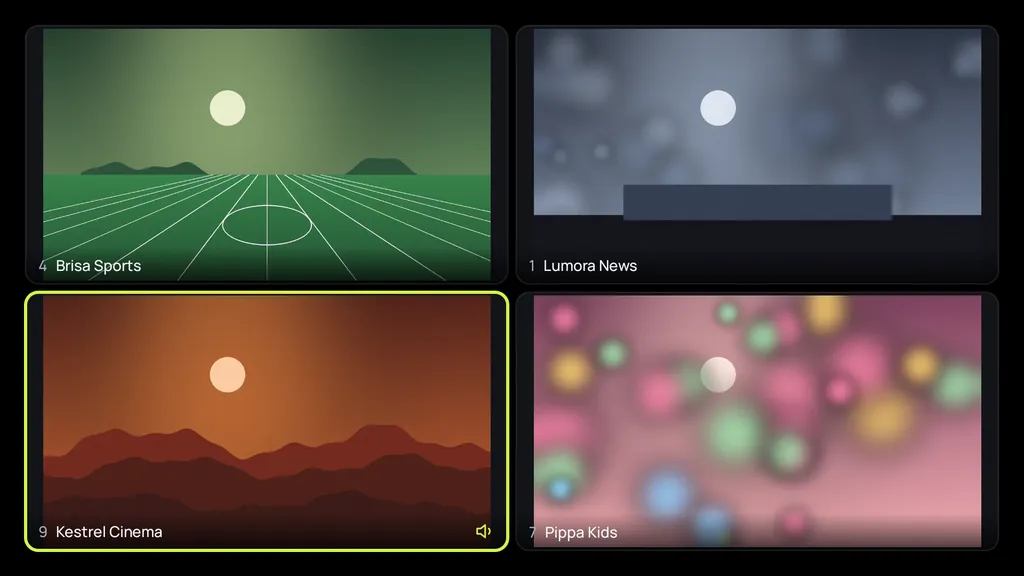
Up to four live channels at once on a TV or tablet, two on a phone. Ideal for match days.
Cinema, Clear speech, Night, Sports and more, set separately for movies, series and Live TV.
Type long addresses and passwords on your phone instead of the TV remote. No app needed: the browser is enough.
Missed it? Watch past programs right from the guide when your provider offers an archive.
Made for the TV remote
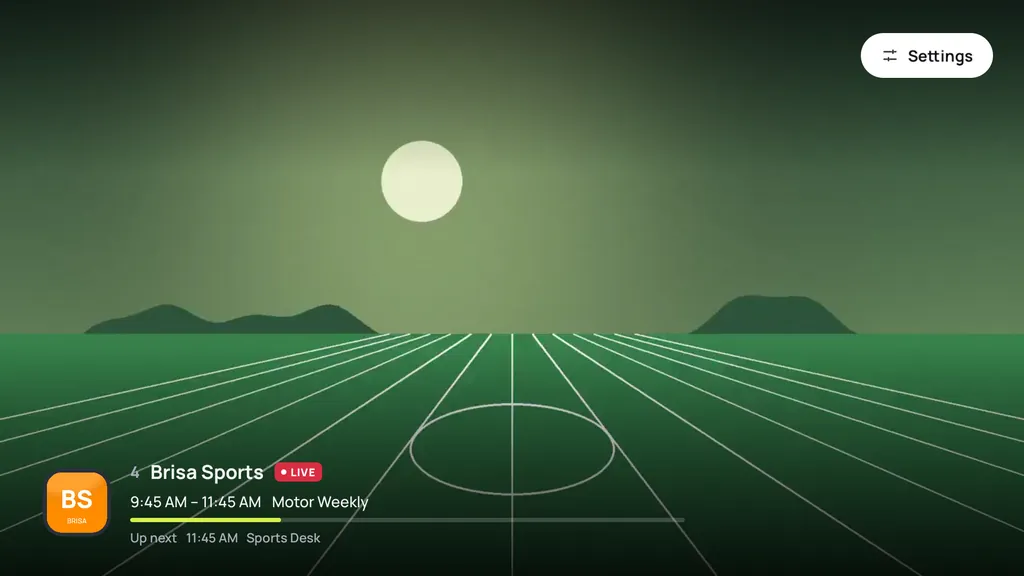
Every screen in Zapvo works with the arrow keys and OK, and the focus never gets lost. Switch channels with Up and Down or type a channel number, jump back to the last channel, and open the channel list without stopping the picture.
Phone and TV together
Scan the code on the TV and your phone becomes a remote, a keyboard and a touchpad, right in the browser. Add a playlist from the phone, send a channel to the TV with Play on TV, or help family in another home with a one-time code.
Measured in our own tests on an Android 7.1 TV box with 1 GB of memory.
For the whole family
Profiles keep favorites, history and settings apart. Kids profiles show only the categories you allow, adult categories are locked automatically, and a parental PIN protects your settings and sources.
A player that adapts
Choose tracks, style the subtitles, fix their timing or load an SRT file.
Fit, fill, stretch, zoom, 16:9 or 4:3, remembered for each channel.
Keep watching in a small window on phones and tablets.
Cast supported streams to a Chromecast or Google TV.
Stop after a set time, or when the program ends.
Zapvo reconnects by itself and switches to another copy of a channel if one fails.
Your playlists, passwords and viewing history stay on your device, encrypted. Streams go straight from your provider to your screen. We never see what you watch.
Take a look
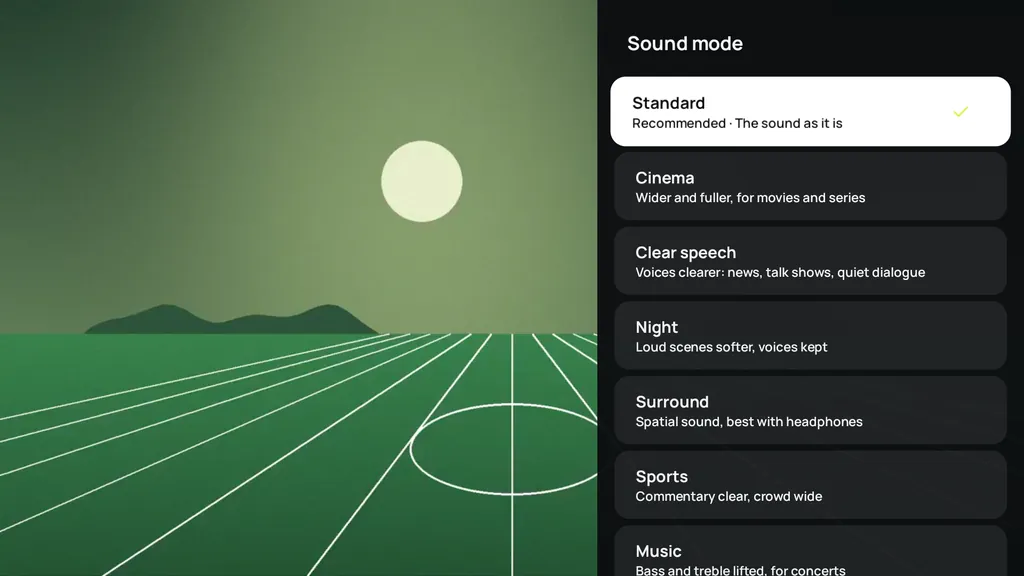
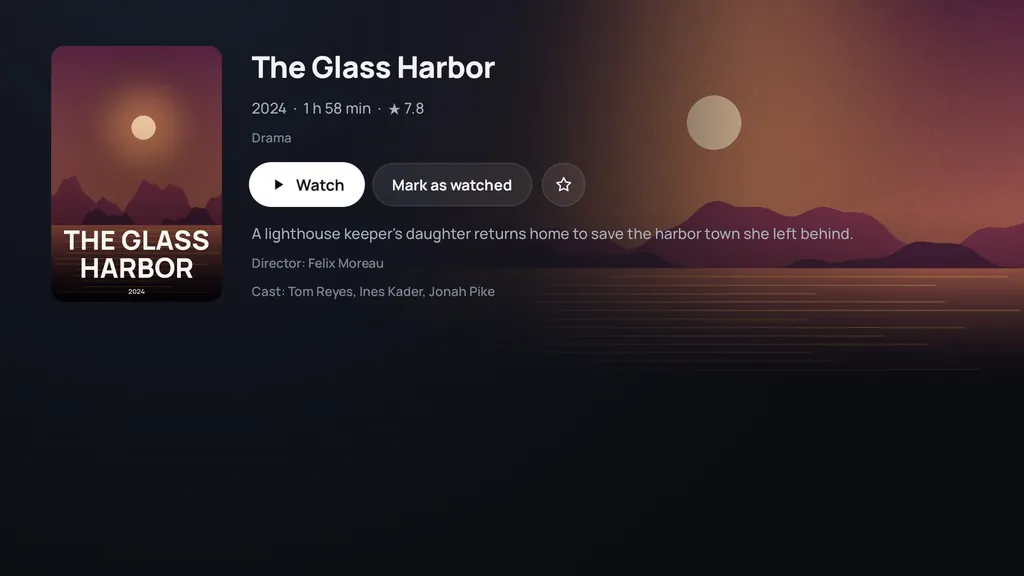
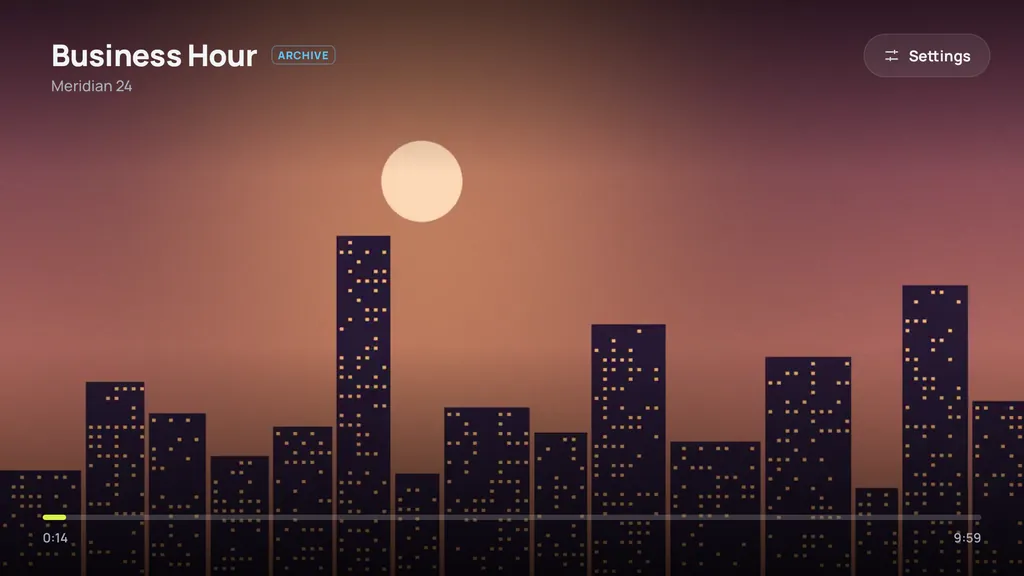
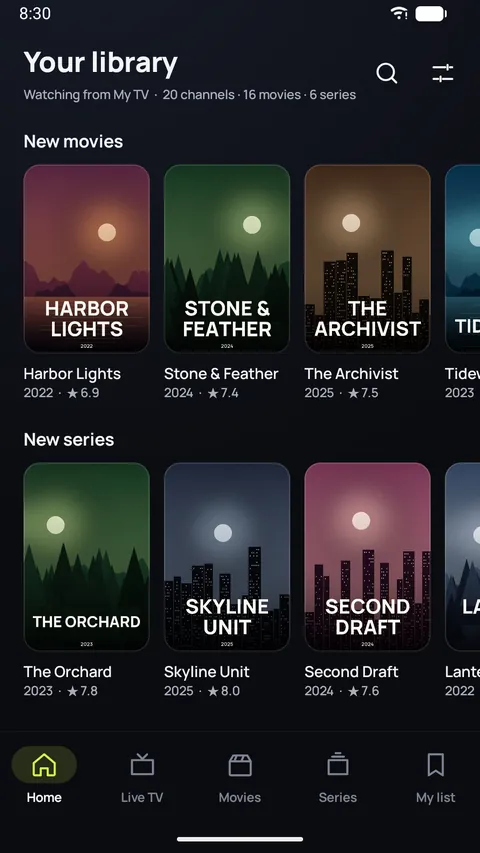
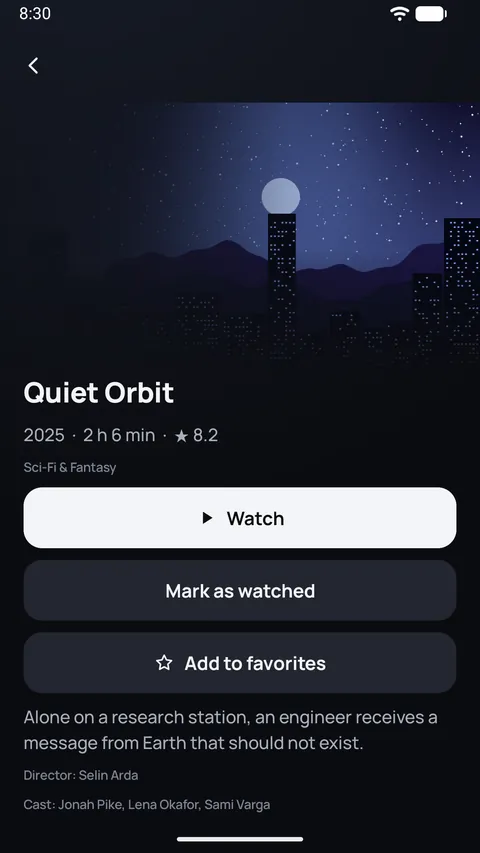
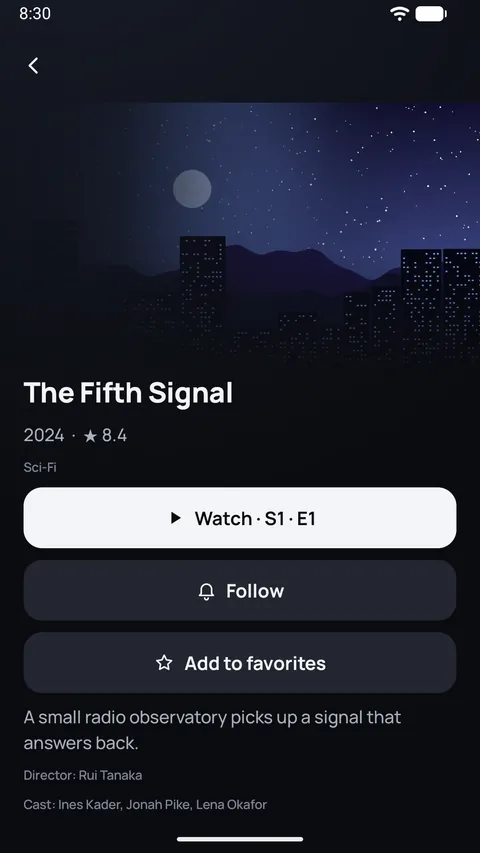
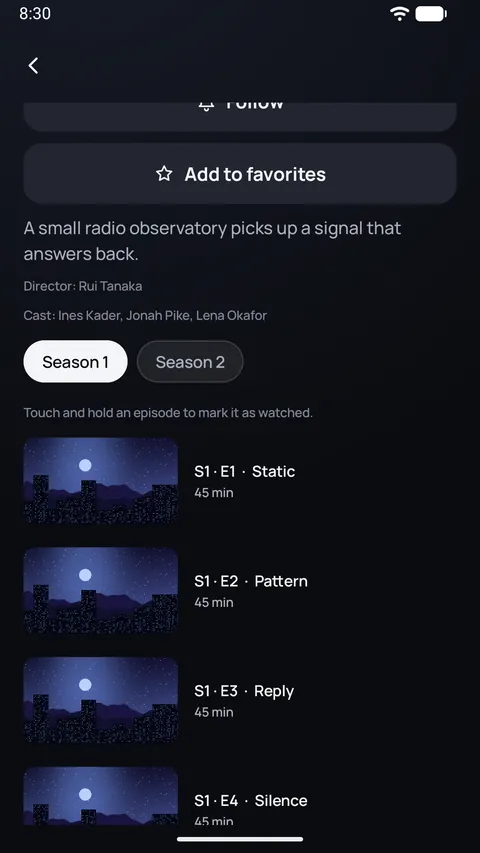
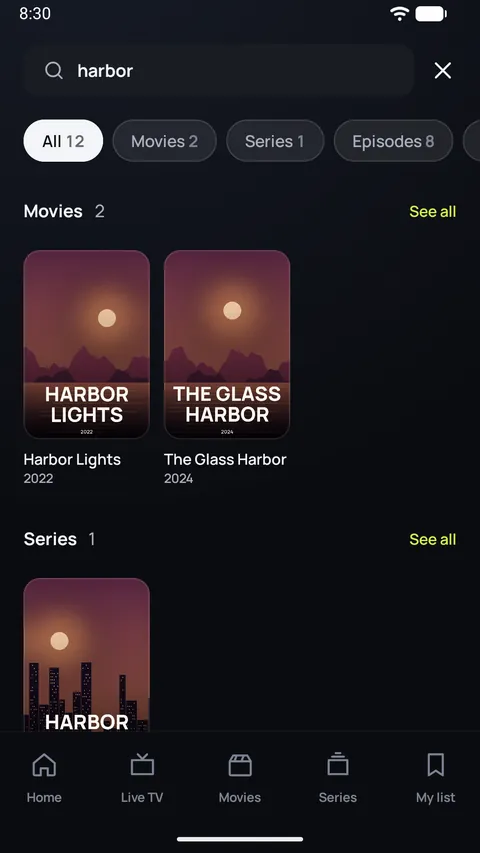
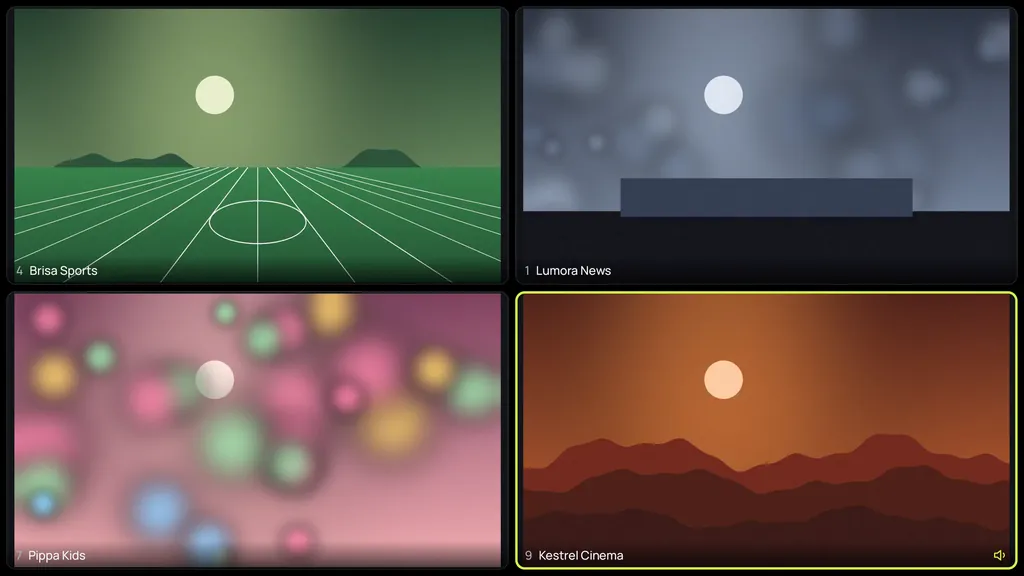
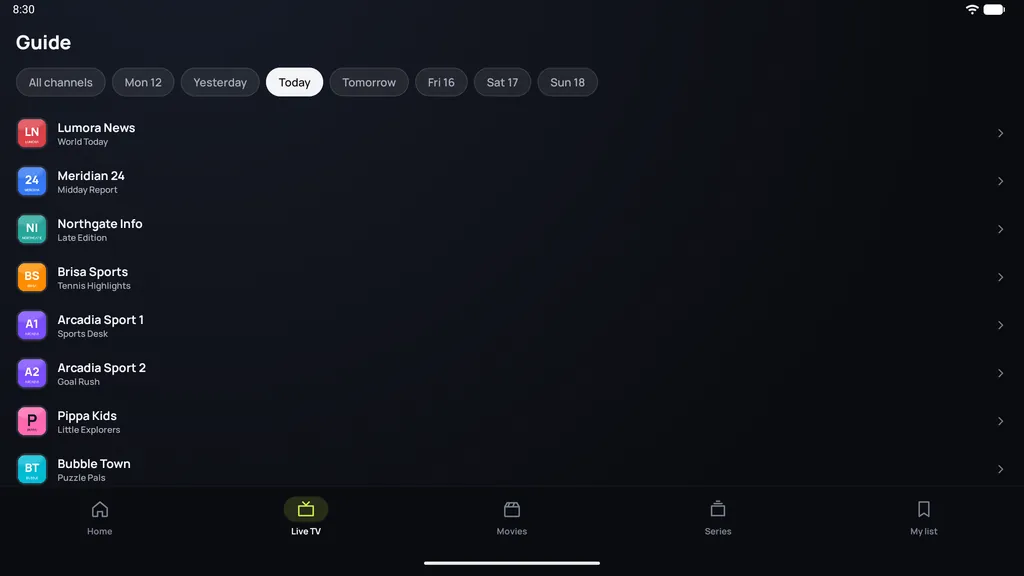
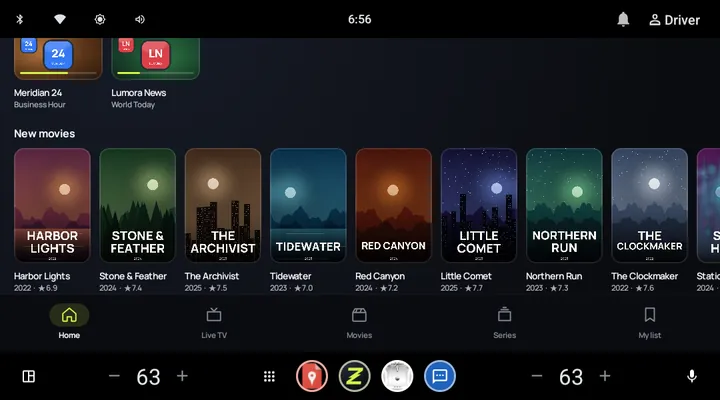
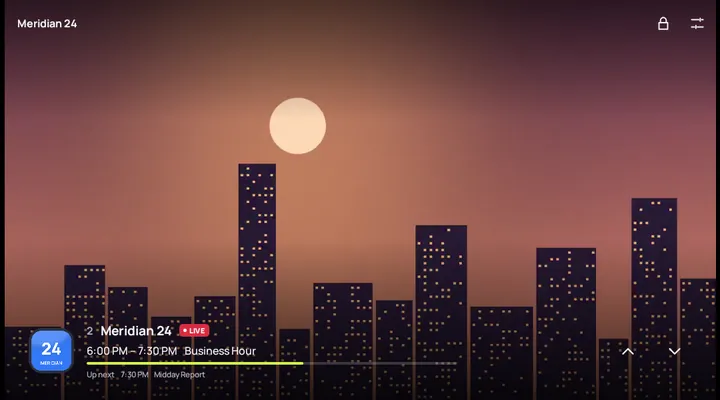
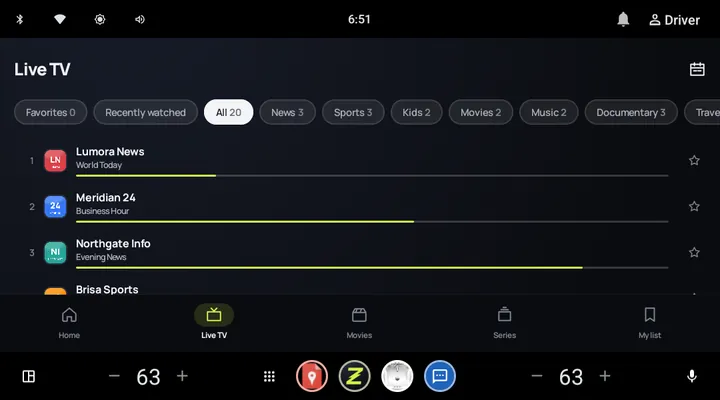
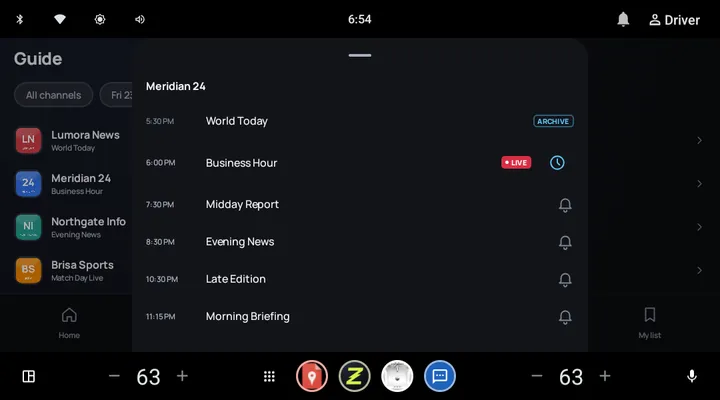
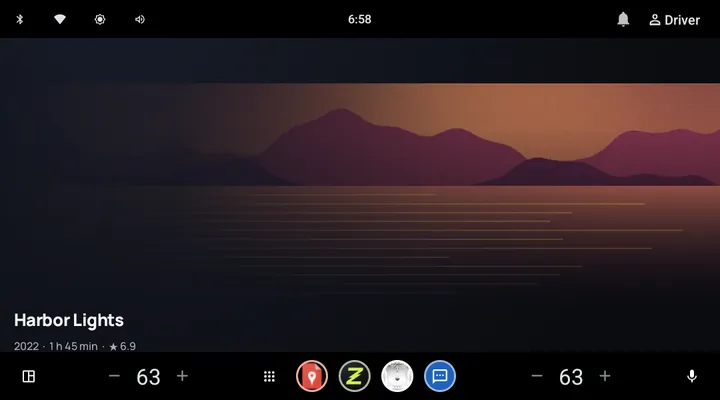
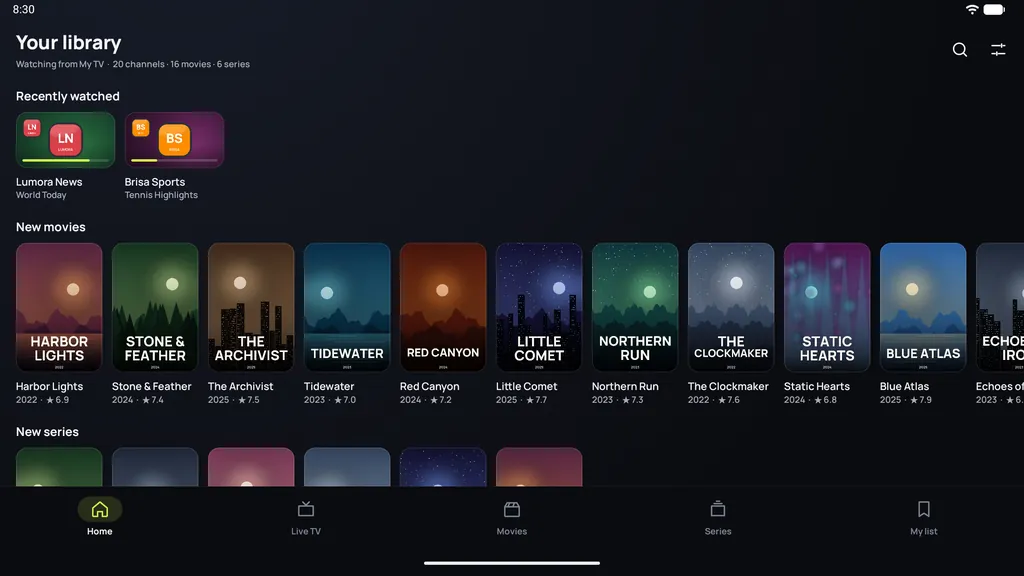
Screenshots with Zapvo's own invented demo channels, movies and series.
Zapvo Premium
No card needed. When the trial ends, choose the plan that suits you. One purchase covers all your devices with the same Google account.
Pay month by month and cancel any time.
A whole year of Zapvo for much less than twelve months.
Pay once and keep Zapvo forever. No subscription.
Prices are shown in your currency in the app and in Google Play. Subscriptions renew automatically; cancel any time in Google Play › Payments & subscriptions › Subscriptions.
No. Zapvo is a media player only. It doesn't provide or sell any channels, playlists or other content. You need your own playlist or account from a provider you're allowed to use. No playlist yet? Try our demo playlist.
M3U and M3U8 playlists from a link or a file, Xtream Codes accounts (server, user name and password) and Stalker portals (MAC address), plus XMLTV program guides. You can add several sources and switch between them.
Android phones and tablets, Android TV and Google TV: smart TVs, streaming players like the Google TV Streamer, and Android TV boxes, all with Android 7.0 or later. Zapvo isn't available for iPhone, iPad, Windows, Mac, Roku, Apple TV, or Samsung and LG's own TV systems.
Every feature is free for 30 days, no card needed. Then you can choose Monthly, Yearly or Lifetime (a one-time purchase). You'll see the prices in your currency in the app and in Google Play. About Premium.
No. Zapvo has no accounts and no sign-up. Purchases go through your Google Play account, and sync between your devices works without an account too.
No. Your playlists, passwords and history stay on your device, encrypted. Streams go directly from your provider to your device. Our server only confirms your trial or purchase and passes on encrypted messages for sync and the phone remote, which it can't read. Privacy Policy.
Install Zapvo, add your source and watch. Every feature is free for 30 days, no card needed.


