Cars with Google built-in
IPTV in your car, whenever it's parked
Zapvo runs on the screen of cars with Google built-in. While charging, waiting for a ferry or outside the school, watch live TV, films and series in the car; when you drive off, the picture pauses and waits for you.
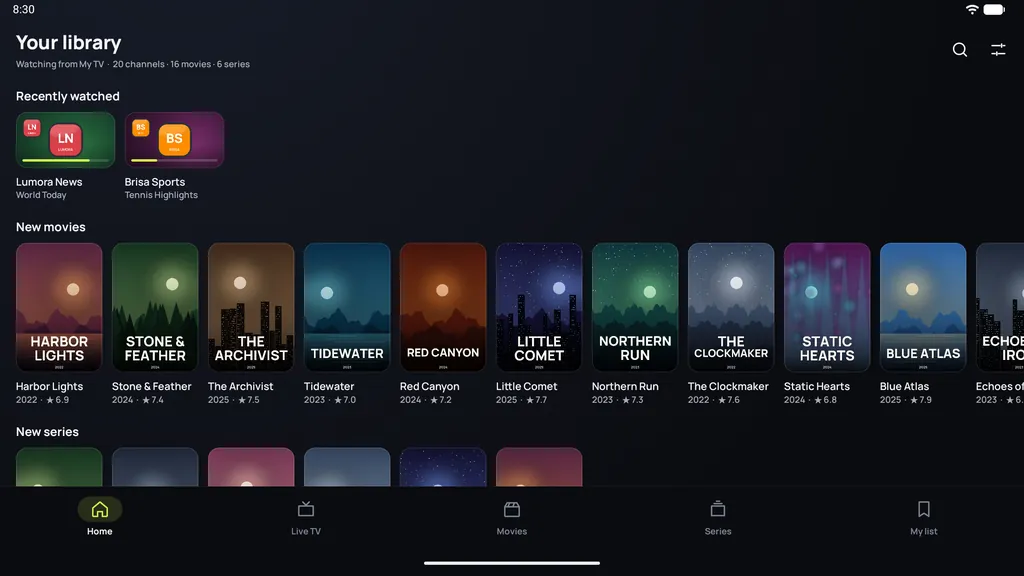
Made for the wait
The same Zapvo as on your TV and phone, sized for the car's wide screen and touch controls. Add your playlist once and every channel, film and series is there.
- Live TV with the full TV guide
- Films and series from your provider
- M3U playlists and Xtream Codes logins
- Large, clear controls for the touch screen
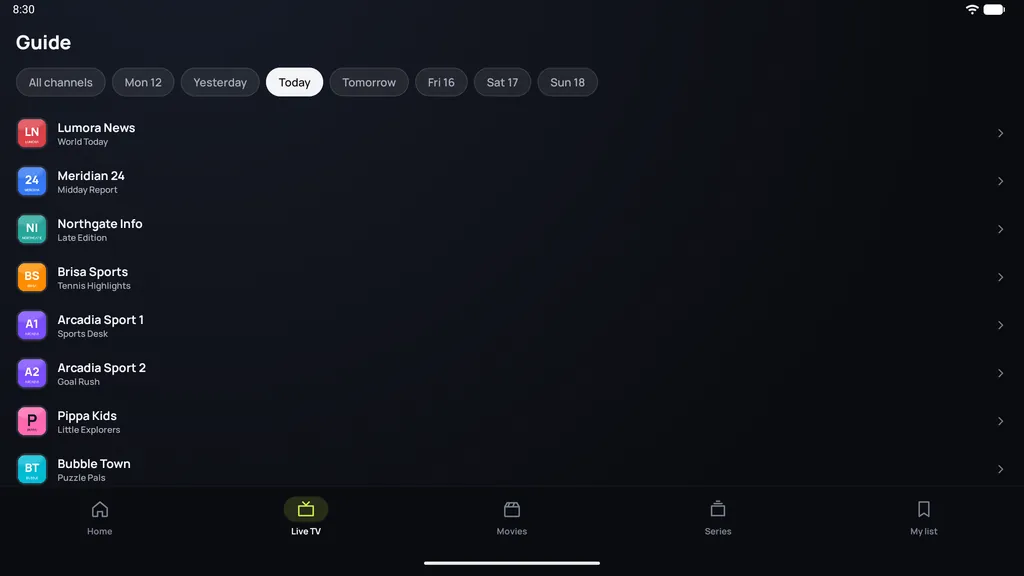
Video only while parked
As soon as the car starts moving, Zapvo pauses picture and sound, and nothing can start it again while you drive. Once you park, it continues right where it stopped. Cars with Google built-in require this, and the road comes first.
Where it runs
- Cars with Google built-in (Android Automotive OS) that have Google Play
- Phones and tablets with Android 7.0 or later
- Android TV and Google TV
Android Auto and Apple CarPlay show a phone's apps on the car's screen. In those cars, passengers can watch with Zapvo on an Android phone or tablet.
Get it in your car
Park and open Google Play
Open Google Play on the car's screen and search for Zapvo.
Install Zapvo
It installs like any other app in the car and appears with your apps.
Add your playlist
Enter your M3U link or Xtream Codes login, just as on your phone or TV.
Bring your playlist. Zapvo does the rest.
Install Zapvo, add your source and watch. Every feature is free for 30 days, no card needed.