Android TV and Google TV
The IPTV player your TV remote deserves
Zapvo is designed for the TV first: big, clear screens, a focus you can always see and every feature within a few presses of the remote.
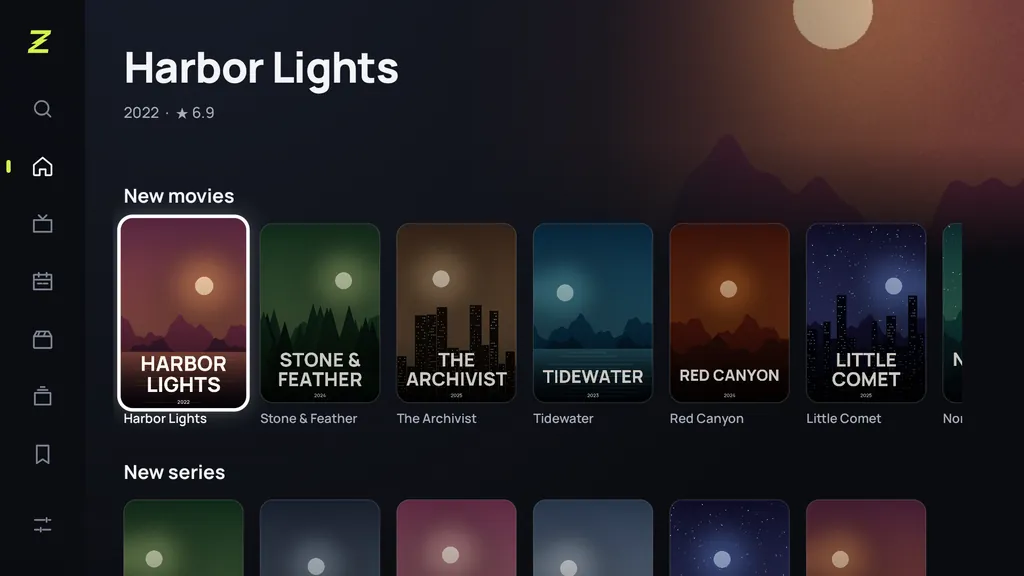
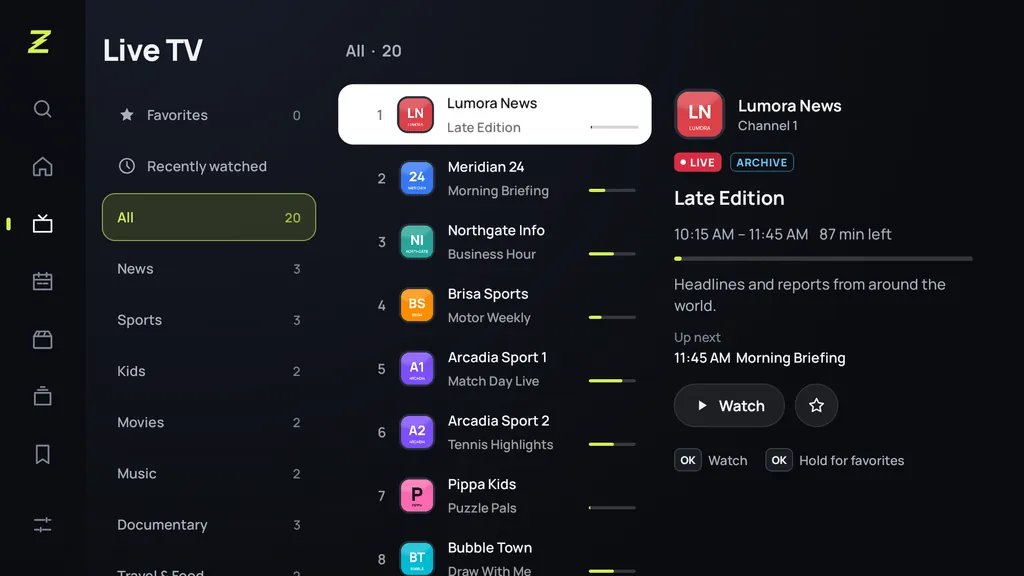
Every press counts
Up and Down switch channels, number keys jump straight to a channel and the last channel button takes you back. OK opens the channel list over the picture without stopping it; hold OK to add a favorite. If you like, Zapvo even starts with the channel you watched last.
- Works with every Android TV remote
- Channel numbers and the last channel button
- The picture keeps playing while you browse
- Clear focus, no lost cursor
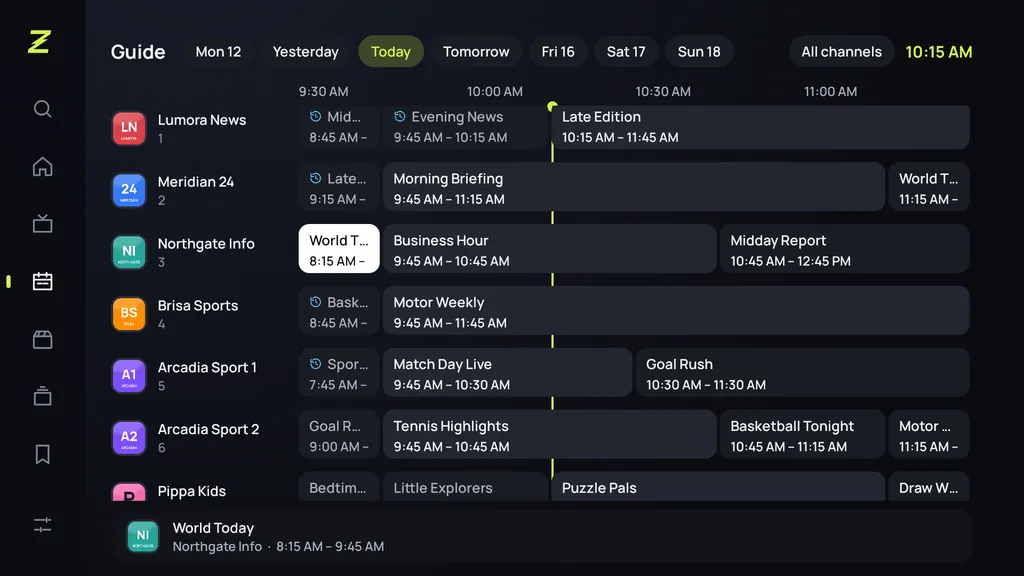
A guide made for ten feet away
The program grid shows several hours across all your channels. Move through time and channels with the arrows, open a past program from the archive, or set a reminder for one that's coming up.
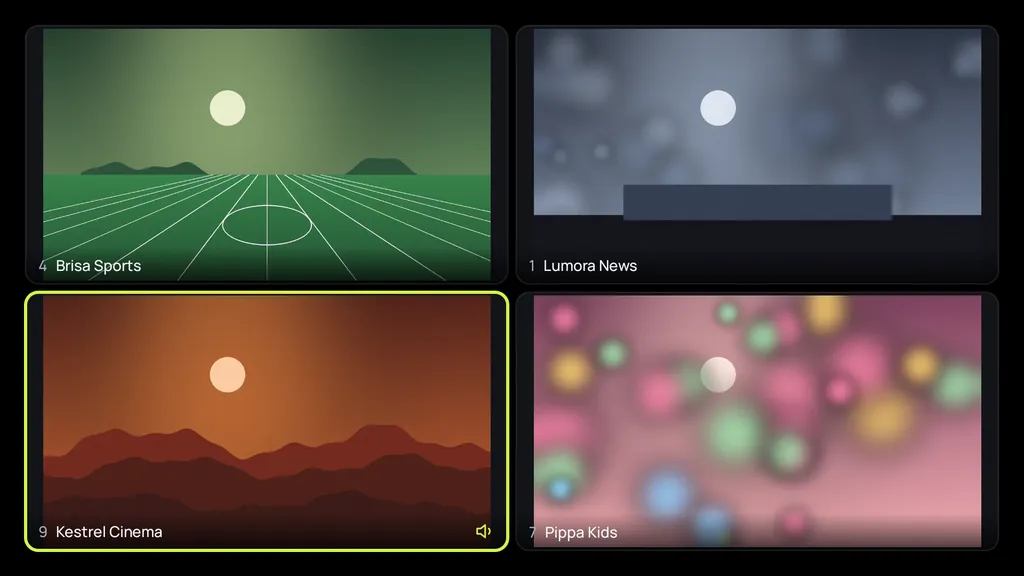
Four channels, one screen
Multiview puts up to four live channels on your TV at once. The window you choose plays the sound; the others keep running quietly. Zapvo checks what your TV can decode and never asks for more.
No more typing with the remote
Long playlist addresses and passwords are a pain on a TV. Scan the code on the screen and type them on your phone instead, or add a playlist file straight from the phone.
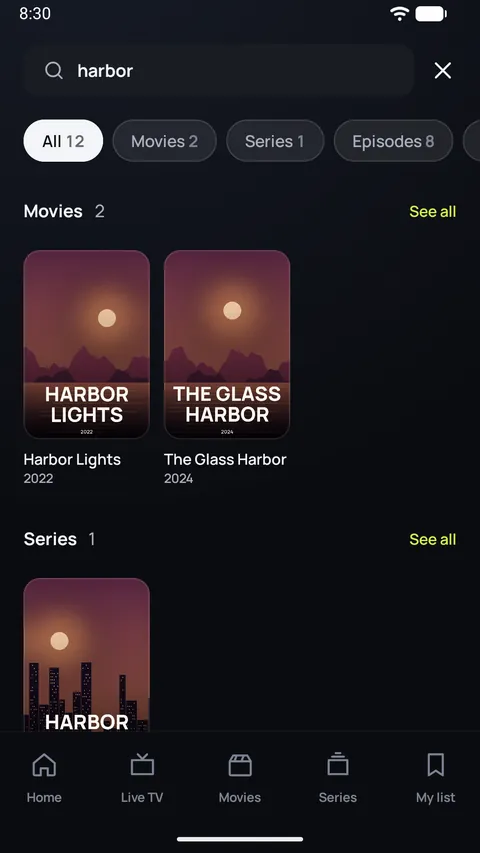
Fast on modest TV boxes
Many TV boxes have 1 or 2 GB of memory. Zapvo is built and tested on exactly those: lists with tens of thousands of channels import in seconds and scroll smoothly.
Works on
- Smart TVs with Google TV or Android TV
- Google TV Streamer and Chromecast with Google TV
- NVIDIA SHIELD TV and other Android TV players
- Android TV boxes (Android 7.0 or later)
Zapvo isn't available for Samsung (Tizen), LG (webOS), Roku or Apple TV.
Install it on your TV
Open Google Play on the TV
Or on play.google.com in a browser, signed in with the same Google account as the TV.
Search for Zapvo
Choose Install. In the browser, pick your TV from the list of devices.
Add your playlist
Open Zapvo and add your source. Scan the code to type it on your phone.
FAQ
Which devices does Zapvo run on?
Android phones and tablets, Android TV and Google TV: smart TVs, streaming players like the Google TV Streamer, and Android TV boxes, all with Android 7.0 or later. Zapvo isn't available for iPhone, iPad, Windows, Mac, Roku, Apple TV, or Samsung and LG's own TV systems.
Can I use my phone as a remote?
Yes. On the same Wi-Fi, scan the code on the TV: a remote with a keyboard opens in your phone's browser, no app needed. With the Zapvo app on the phone you can also send channels to the TV. From another home, connect with a one-time code. How it works.
How many channels can I watch at once?
With Multiview, up to four live channels on a TV or tablet and two on a phone, as far as your device can decode them. You hear the window you pick.
Can Zapvo handle a very large playlist?
Yes. Zapvo is built for big lists. In our tests, an Android 7.1 TV box with 1 GB of memory imported 100,000 channels, movies and episodes in about 4.5 seconds, and lists with over 50,000 channels scroll smoothly.
Bring your playlist. Zapvo does the rest.
Install Zapvo, add your source and watch. Every feature is free for 30 days, no card needed.